
Chrome extension

Website blocker alternative for Chrome

Same job — less time on sites that pull you in. Different mechanism. Distractless does not lock a site away or hide behind a password. It pauses the automatic click, leaves the choice to you, and shows what the week actually looked like.

Desktop Google Chrome only · Data stays on your device

When the lock becomes the thing you fight

A typical website blocker is built to prevent access. The site does not open. There is often a list, a schedule, sometimes a password. The model assumes the person who set the rule should not be able to undo it in a weak moment. For a lot of people, that is exactly what they want.

The catch is the same person still lives in the chair. When you actually need YouTube for work, or you are tired enough to disable the extension, the lock turns into an opponent. That is why hard blockers often come off within a week — not because the category is a scam, but because a rule you can only obey or disable gives you two options.

Two models, two jobs

A typical website blocker

Built to stop the visit. A block list. Often a timer or a schedule. Sometimes a password or a page that says the site is forbidden. The success condition is that the tab does not load.

That job is real. It is also a fight with yourself the first time you need the site, or the first evening you are too tired to keep the rule.
Distractless

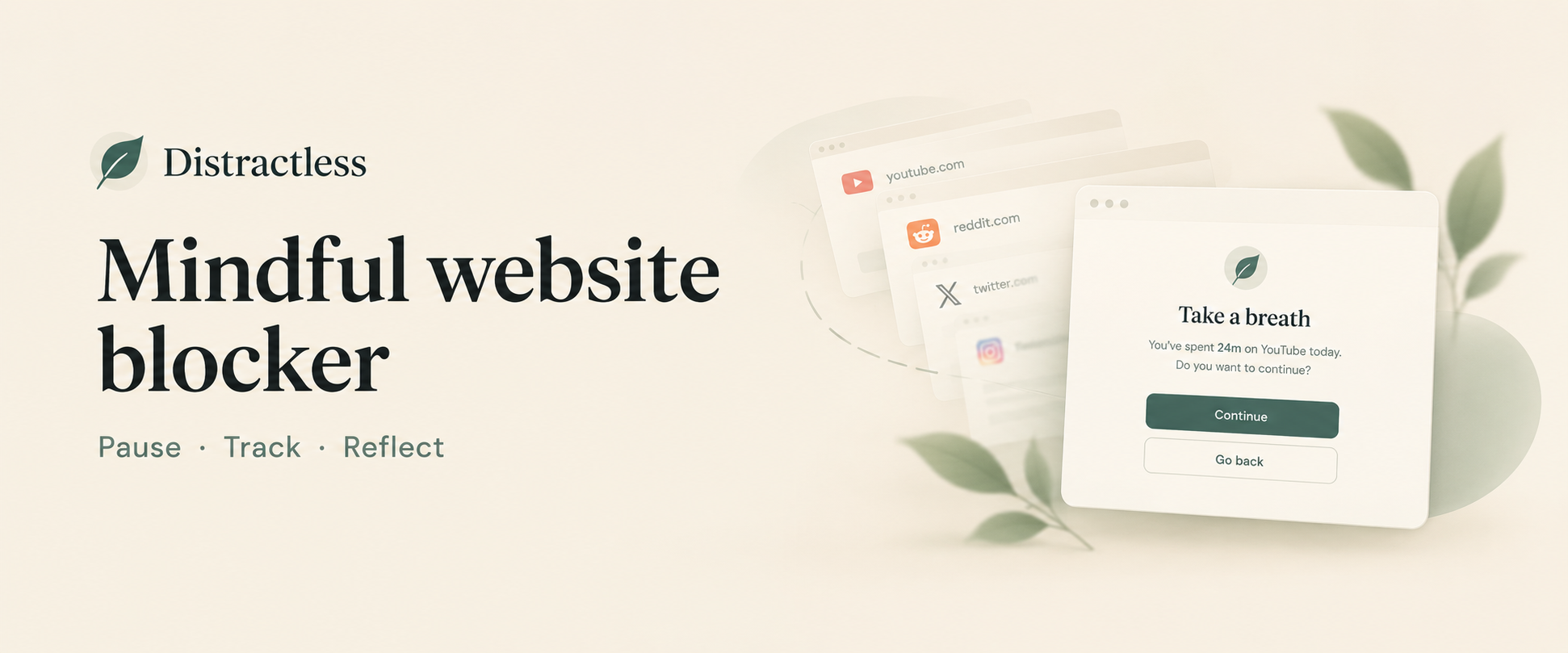
Built to change the click. A pause screen before a site you flagged, a session length if you continue, and a weekly summary of time on those sites. No password wall. The site can still open. The point is that you noticed.

Your list, visit counts, and usage stats stay in Chrome extension storage on this device. Desktop Google Chrome only. A 14-day trial, then a one-time $9.99 lifetime unlock if you keep it.

Where the two models actually differ

A typical blocker is built to stop the visit. Distractless is built so the next visit can be different.

Typical website blocker compared with Distractless
What you are buying Typical website blocker Distractless
The habit A lock you obey or disable. The site stays closed until you fight the tool. A pause, a choice, a weekly number. Built to change the click — not just stop it.
What ships Schedules, passwords, phone apps, category packs. A lot of lock around one job. Pause, session, week. Everything aware browsing needs. Nothing you have to manage around it.
The bill You pay for the full suite — locks, apps, and extras you may never use. A 14-day trial, then a one-time $9.99 lifetime unlock. Typically far less than a year of a paid hard blocker.
At the site The page does not load. A pause. Then you choose.
When you need it Turn the blocker off. Continue is part of the product.

What you get instead of a lock

  1. 01

    Pause

    Interrupt the automatic open. You can still go in. The point is that you noticed.

  2. 02

    Session

    If you continue, set how long you intend to stay and get a reminder when it is up.

  3. 03

    Week

    A simple weekly number. The lock asks you at the door. The number is what you see after.

Distractless weekly time on blocked sites in Chrome, an alternative to a typical website blocker

Who should keep a typical blocker

Stay with a hard lock if you need the same blocks on your phone, a schedule that runs without you, or a password you cannot remember in a weak moment. Those are features Distractless does not have and is not trying to grow into.

Switch if the problem is desktop Chrome, a handful of sites, and a lock you keep turning off. Then a pause plus a weekly total is the more honest tool.

Common questions

Does Distractless lock me out the way a typical blocker can?

No. There is no password gate and no uninstall lock. A site you added still opens after you choose Continue. The product is a pause, a session reminder, and a weekly summary — not a wall.

Does it work on my phone?

No. Distractless is a desktop Google Chrome extension only. Many typical blockers also ship a phone app. If the phone is the whole problem, this will not replace that setup.

Is Distractless cheaper?

Typically less over a year. Distractless is a 14-day trial, then a one-time $9.99 lifetime unlock. A typical paid blocker costs more because you are buying the full lock: apps, schedules, passwords. We only sell the pause.

Can I still use YouTube for work?

Yes. Add the site, hit the pause, continue when the visit is real. That is the point of not using a hard lock. See the YouTube blocker page if that is the main site.

What if I click through the pause every time?

Some weeks you will. The pause still turns a reflex into a choice, and the weekly summary makes the pattern visible even when individual decisions go the other way. If you need a lock you cannot bypass, a typical hard blocker is built for that job.

Try the pause in Chrome

Desktop only. Your list and stats stay on the device. Fourteen days to see a week.

Add to Chrome