
Chrome extension
Website blocker for Chrome
Distractless helps you block distracting websites with a calm pause screen — so you can choose whether to continue, instead of opening tabs on autopilot.
When blocking sites feels too harsh
You sit down to work. You open YouTube for “just two minutes.” Then Reddit. Then another tab. Hard website blockers can feel punishing — and easy to turn off when you are stressed. That is why most website blockers stop working after a few weeks.
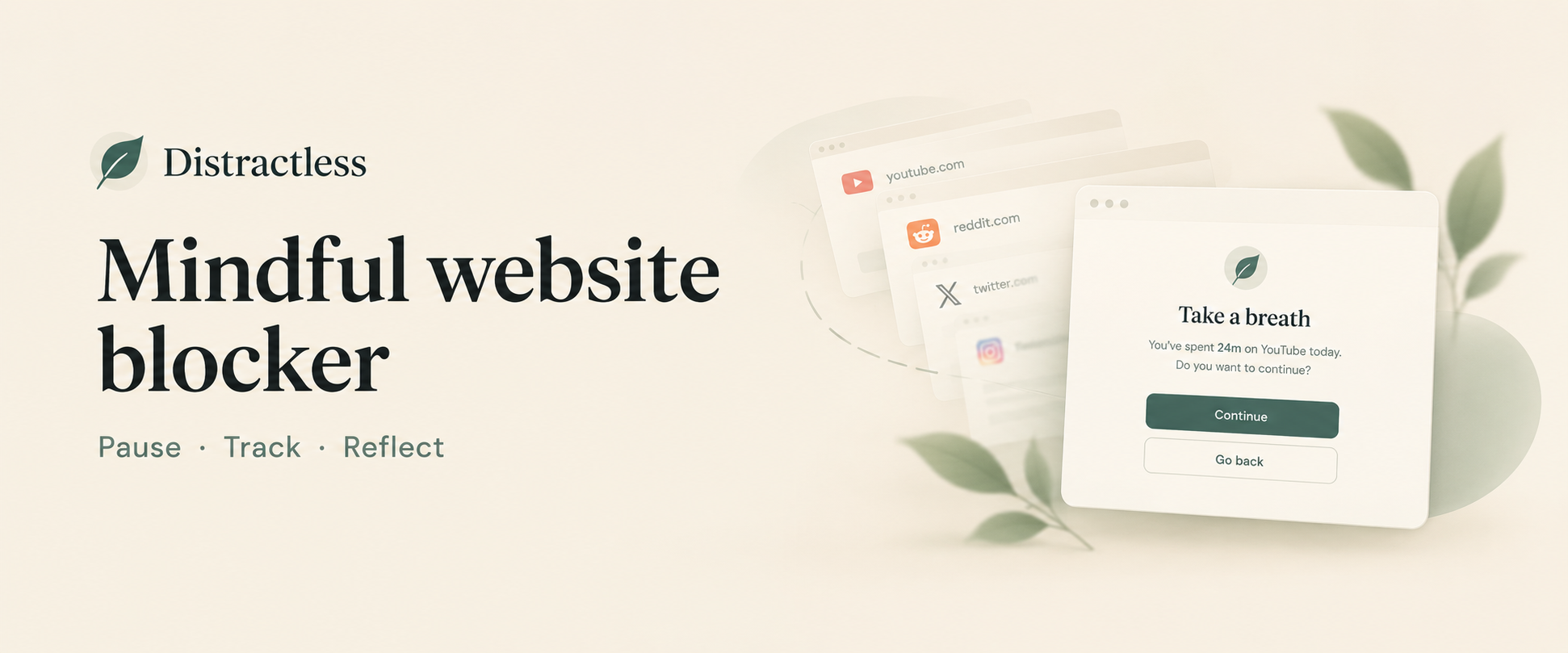
Distractless is a website blocker for Chrome built around a mindful pause: a short screen before a blocked site loads, with a clear choice to continue or go back.
How Distractless works
-
01
Block
Choose the sites you want to limit — social media, news, video, or anything else.
-
02
Pause
Take a breath before they open. A calm screen with your time today.
-
03
Reflect
See what changed over time in a simple weekly summary.
Built for intentional browsing
-
Mindful pause
A moment before a distracting site opens.
-
Session reminders
Choose how long you want to stay.
-
Weekly reflection
See where your time went.
-
Local by design
Stats and settings live in Chrome extension storage.
-
Private by design
Your blocked sites, visit counts, and usage stats stay on your device.
Common questions
How is Distractless different from a hard website blocker?
Many blockers lock you out completely. Distractless adds a pause screen first, so you can make a conscious choice. It is designed to reduce autopilot browsing, not to punish you.
Does it work on mobile?
No. Distractless is a Chrome extension for desktop Google Chrome only.
Which websites can I block?
Any site you add to your list — YouTube, Reddit, Twitter/X, news sites, and more. You control the list from the extension popup. See our YouTube blocker, Reddit blocker, or social media blocker pages for site-specific tips. For the setup steps, see the Chrome site blocker page.
Is my browsing data sent to your servers?
Your blocked-site list, visit counts, and usage stats stay in Chrome extension storage on your device. See our Privacy Policy for details.
How much does Distractless cost?
New installs include a 14-day free trial. After that, a one-time $9.99 USD lifetime unlock keeps pause and block features active on that Chrome install. There is no monthly subscription.
Try Distractless in Chrome
Setup takes less than a minute. Add your sites, set a session limit, and browse with more intention.